Use the command line on a server
The vectrixdb command works on a folder on this machine, and on a server
anywhere: give it the server's address and every command you know talks to
that server instead. The server decides what it decides for any caller: who
you are, what your role allows, which collections a key reaches, each
collection's policy, and the audit trail. Nothing runs on your side but the
request.
pip install "vectrixdb[client]"
export VECTRIXDB_URL=https://vectors.company.com
export VECTRIXDB_KEY="$(cat ~/.config/vectrixdb/handbook.key)"

vectrixdb list
vectrixdb query "how long do refunds take?" --name handbook
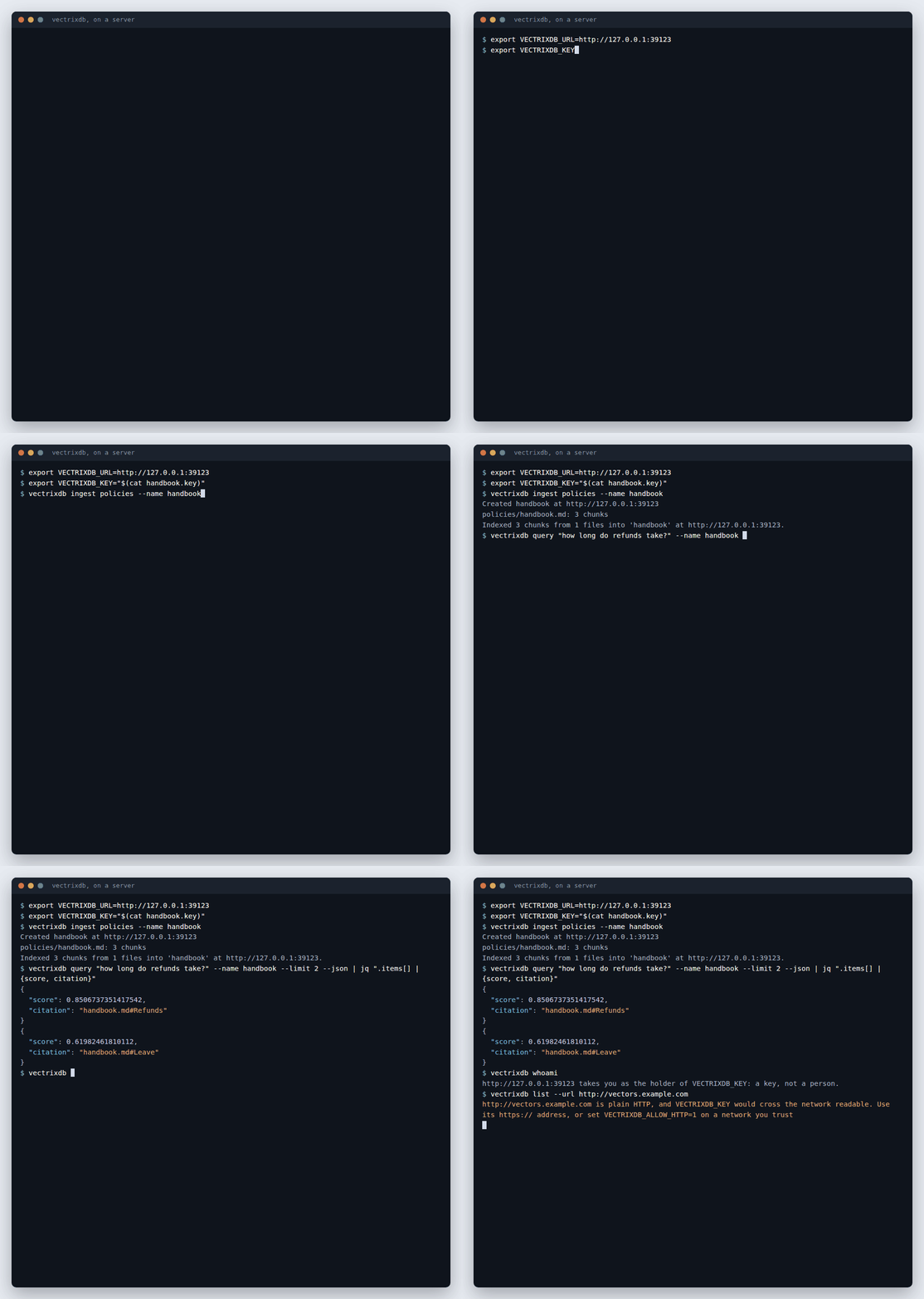
--url on any command does the same as VECTRIXDB_URL, for one command.
Without either, the command works on the folder here, exactly as before.
Who you are
The first of these that is there is who the server sees:
| From | For |
|---|---|
--key-file PATH |
a file holding an API key, readable by you alone |
VECTRIXDB_KEY |
an API key, from the environment or your secrets manager |
VECTRIXDB_KEY_FILE |
a file holding one, such as a mounted secret |
VECTRIXDB_TOKEN |
a company sign-in token your own tooling fetched |
vectrixdb login |
your company account, signed in once and kept for that address |
There is no --key option. A key typed on the command line stays in the
shell's history and shows in the process list, where anyone on the machine
can read it. Two of them at once is refused rather than one picked, so it is
always clear who the server sees. vectrixdb whoami says who it took you for.
A key file has to be yours alone, the way ssh treats a private key (on Windows, keep it under your own profile, which only you can read):
chmod 600 ~/.config/vectrixdb/handbook.key
vectrixdb query "refunds" --name handbook --key-file ~/.config/vectrixdb/handbook.key
Sign in with your company account
People sign in with the account they already have, and never handle a key:
https://vectors.company.com signs people in at https://login.microsoftonline.com/<tenant>/v2.0, for api://vectrixdb/search.
Sign in? [y/N]: y
The command says where you will sign in and what the token will be good for, and asks first: a token is good wherever its scopes say, so a server you were sent to by mistake cannot quietly collect one for another. A browser then opens at your company's sign-in page; when you are done, the command keeps the sign-in for that address. From SSH, a container or any machine without a browser, sign in with a code on your phone instead:
To sign in, open https://microsoft.com/devicelogin on any device and enter the code ABCD-EFGH
Signed in to https://vectors.company.com as ada@company.com. Kept in /home/ada/.config/vectrixdb/logins.json, readable by you alone.
Every command after that, for that address, goes as you: your role, your
groups and each collection's policy apply, and the audit trail names you. The
sign-in is refreshed on its own before it expires. vectrixdb logout forgets
it on this machine; vectrixdb logout --all forgets every one.
How it works, for whoever sets it up:
- The server names its identity provider at
/.well-known/oauth-protected-resource, the same document an MCP client reads, fromVECTRIXDB_OIDC_ISSUERandVECTRIXDB_OIDC_API_AUDIENCE. A server without an API audience takes no sign-in tokens, andloginsays to use a key instead. - The server's document has to name the address you gave as itself, so a
server cannot pass off another's sign-in as its own. Behind a gateway, set
the server's
VECTRIXDB_PUBLIC_URLto the address people use. - The command line needs a client id at the identity provider:
register a public client (no secret), allow
http://127.0.0.1as a redirect (any port), and turn on the device code flow. Give people its id asVECTRIXDB_LOGIN_CLIENT_ID, or--client-id. In Entra ID that is an app registration with "Allow public client flows" on and the API's permission granted. - Set
VECTRIXDB_LOGIN_SCOPESto the scopes your server asks for, in the same place as the client id. Then a server asking for any other is refused, and nobody is asked to confirm.--yesskips the question too, for a script that knows the address. - The browser sign-in is the authorization code flow with PKCE, answered on 127.0.0.1 on a port the system picks (RFC 8252); the device sign-in is RFC
- Both work with Entra ID, Okta, Auth0, Keycloak, Google and any
provider that publishes
/.well-known/openid-configuration. - The provider must call itself what the server named, every endpoint must be
https://, and the token is kept for the exact address it was got for and sent nowhere else. - Sign-ins live in
logins.jsonunderVECTRIXDB_CONFIG_DIR, else%APPDATA%\vectrixdbon Windows,~/Library/Application Support/vectrixdbon macOS, and$XDG_CONFIG_HOME/vectrixdbor~/.config/vectrixdbelsewhere. The file is written readable by you alone, and the command refuses to read it when anyone else can. On Windows the folder under your profile is already yours alone, and the command does not change its permissions; keepVECTRIXDB_CONFIG_DIRthere, not on a shared drive.
Every command
| Command | On a server |
|---|---|
vectrixdb list |
the collections you may see |
vectrixdb info |
whether it answers, whether it is ready, who you are |
vectrixdb stats --name handbook |
a collection's size, dimension and fields |
vectrixdb create handbook |
a collection with a word index, so hybrid search works; --no-text-index without |
vectrixdb delete handbook |
the collection and everything in it, after you say yes, or --force |
vectrixdb ingest ./policies --name handbook |
sends each file for the server to read, cut and embed; the collection is made if it is not there |
vectrixdb query "refunds" --name handbook |
a search, --mode hybrid, --rerank, --filter '{"team": "payroll"}' |
vectrixdb sources add|list|remove|refresh --name handbook |
the feeds and pages a collection keeps up with |
vectrixdb keys add|list|revoke |
named keys, for an admin |
vectrixdb whoami |
who the server takes you for, and by what |
vectrixdb login, vectrixdb logout |
your company account, kept or forgotten on this machine |
ingest gives each file the id of its path under the folder it came from, so
running it again replaces each file rather than adding it twice. The server
cuts the files; --chunk, --chunk-size and --overlap ask for another
cut. What shapes a collection on this machine only (--mode,
--parent-size, --dedupe on ingest, --parents and --explain on
query) is refused with --url, rather than quietly ignored.
An admin makes a key for an app, scoped to one collection, from anywhere:
The key is printed once, on its own last line, so a script can take it with
| tail -1 straight into a secrets manager.
In scripts and CI
--json on list, info, stats, query, whoami, sources list and
keys list prints plain JSON for a script to read. query --json gives each
result's citation. The exit code says how it went:
| Code | Means |
|---|---|
| 0 | done |
| 1 | the server refused, or could not be reached |
| 2 | the command or its settings are wrong |
In CI, keep the key in the platform's secret store and hand it over as
VECTRIXDB_KEY, or mount it as a file and point VECTRIXDB_KEY_FILE at it.
Behind a company network
The command is made to be pointed at a server through whatever stands in front of it:
| Setting | For |
|---|---|
HTTPS_PROXY, NO_PROXY |
a proxy, honoured as everywhere else |
VECTRIXDB_CA_BUNDLE, or SSL_CERT_FILE |
a company's own certificate authority, for a proxy that inspects traffic or an internal server; system trusts what the operating system trusts, where a managed machine already keeps it |
VECTRIXDB_CLIENT_CERT, VECTRIXDB_CLIENT_CERT_KEY |
a client certificate, for a gateway that asks for one |
VECTRIXDB_KEY_HEADER |
the header a gateway wants the key in: Ocp-Apim-Subscription-Key |
VECTRIXDB_TOKEN_HEADER |
the header a gateway wants a sign-in token in |
VECTRIXDB_PREFIX, VECTRIXDB_GATEWAY_PATHS |
a gateway that publishes each part of the server under a path of its own |
These are the server's own names for the same things (Behind a gateway), so the list the gateway team hands over serves both sides. Keep a company's in an env file and every command reads it:
cat > company.env <<'EOF'
VECTRIXDB_URL=https://gateway.company.com
VECTRIXDB_PREFIX=/acme
VECTRIXDB_GATEWAY_PATHS=api/v1=/files/search, auth=/files/auth
VECTRIXDB_KEY_HEADER=Ocp-Apim-Subscription-Key
VECTRIXDB_CA_BUNDLE=/etc/ssl/company-ca.pem
EOF
vectrixdb list --env-file company.env
Presets for every command on a machine
An administrator can put the same lines in one file that every command
reads first, with no --env-file, and ship it the way other settings are
shipped (Intune, Jamf, Group Policy, Ansible):
| System | File |
|---|---|
| Linux | /etc/vectrixdb/defaults.env |
| macOS | /Library/Application Support/vectrixdb/defaults.env |
| Windows | %ProgramData%\vectrixdb\defaults.env |
VECTRIXDB_DEFAULTS_FILE names another, for a container or a CI runner. A
person's own environment wins over the file, so VECTRIXDB_URL still points
one command at staging. The file holds VECTRIXDB_ settings alone: a line
that sets anything else, PATH or a proxy, stops every command until it is
taken out, so the file cannot change what runs.
A company's own tool presets two more: VECTRIXDB_COMMAND, the command
every hint names (acme vectors login, not vectrixdb login), and
VECTRIXDB_USER_AGENT, its name and version, put before the client's own in
every request's User-Agent, so the gateway's log says which tool called.
See Ship your own client or command on it.
Where a sign-in is kept
vectrixdb login keeps a sign-in in a file readable by you alone, under
VECTRIXDB_CONFIG_DIR or the platform's config folder.
VECTRIXDB_CREDENTIALS=keyring keeps its tokens in the system keychain
instead (Windows Credential Manager, macOS Keychain, the Secret Service on
Linux) with pip install keyring; the file then holds only which servers you
signed in to. A keychain that cannot be reached is said plainly, never fallen
back from in silence.
What it will not do
- Send a key or token over plain HTTP to another machine.
http://is for this machine only (localhost,127.0.0.1,::1); on a network you trust,VECTRIXDB_ALLOW_HTTP=1says otherwise. - Follow a redirect. The key would go with it to wherever it points. A redirect is reported with the address it named, so you can use that one.
- Skip checking certificates. There is no switch for it; trust a private
CA with
VECTRIXDB_CA_BUNDLEinstead. - Take a key in the address.
https://user:key@...is refused, because logs and history keep addresses. - Let a document drive your terminal. What a server sends back is printed with terminal control characters taken out, and as text, never as markup.
The settings reference lists every setting, and the command reference every option.