The vector database that works with no network and no accounts
Embedded ONNX models, GraphRAG, and eight storage backends.
Nothing to sign up for, no API key, no service to run. pip install and search.
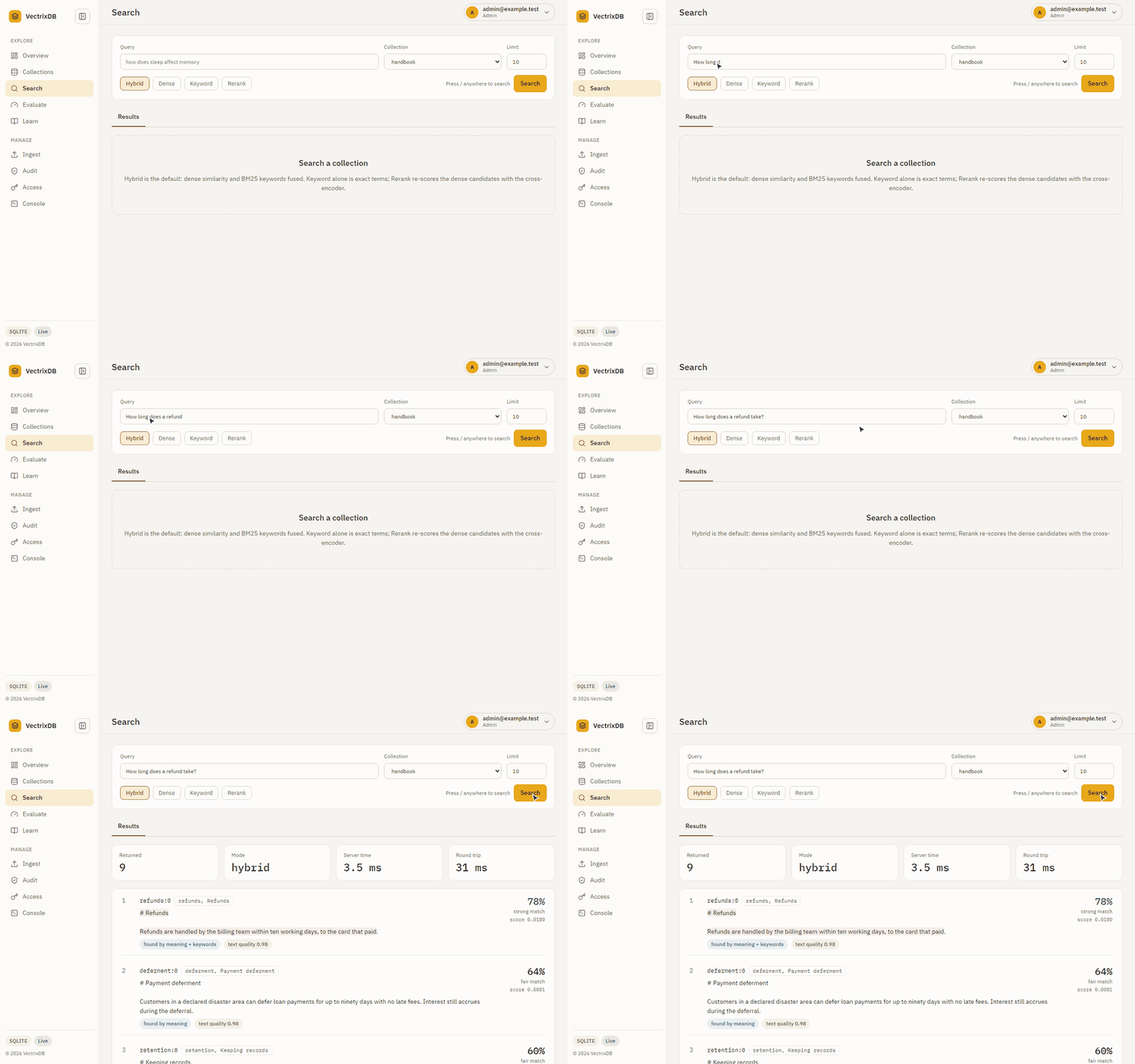 A question goes in, and every result says how well it matched and what found it: meaning, keywords, or both.
from vectrixdb import Vectrix

db = Vectrix("my_docs")
db.add(["Python is great", "JavaScript powers the web", "Rust is fast"])

results = db.search("programming")
print(results.top.text)
That is the whole setup. The embedding model ships in the package, so the first search works offline on a machine that has never seen an API key.
Every way in
The same collections answer a Python program, the vectrixdb command, a
client in TypeScript, Go or Rust, and an assistant over MCP. Each client keeps
the same safety rules: no key over plain HTTP, no redirects, certificates
always checked.
See it work
pip install "vectrixdb[api]" and vectrixdb serve give the same collections
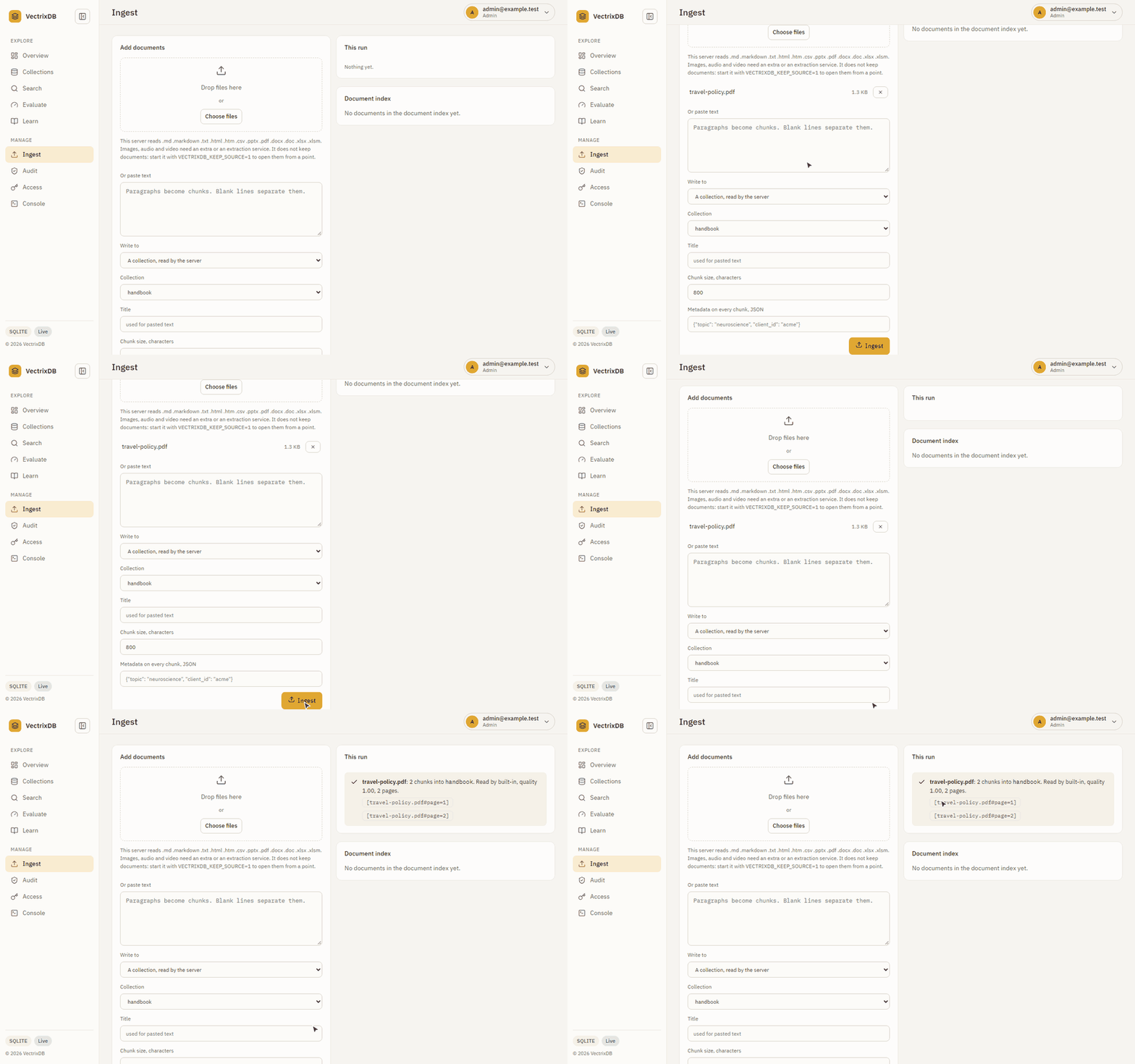
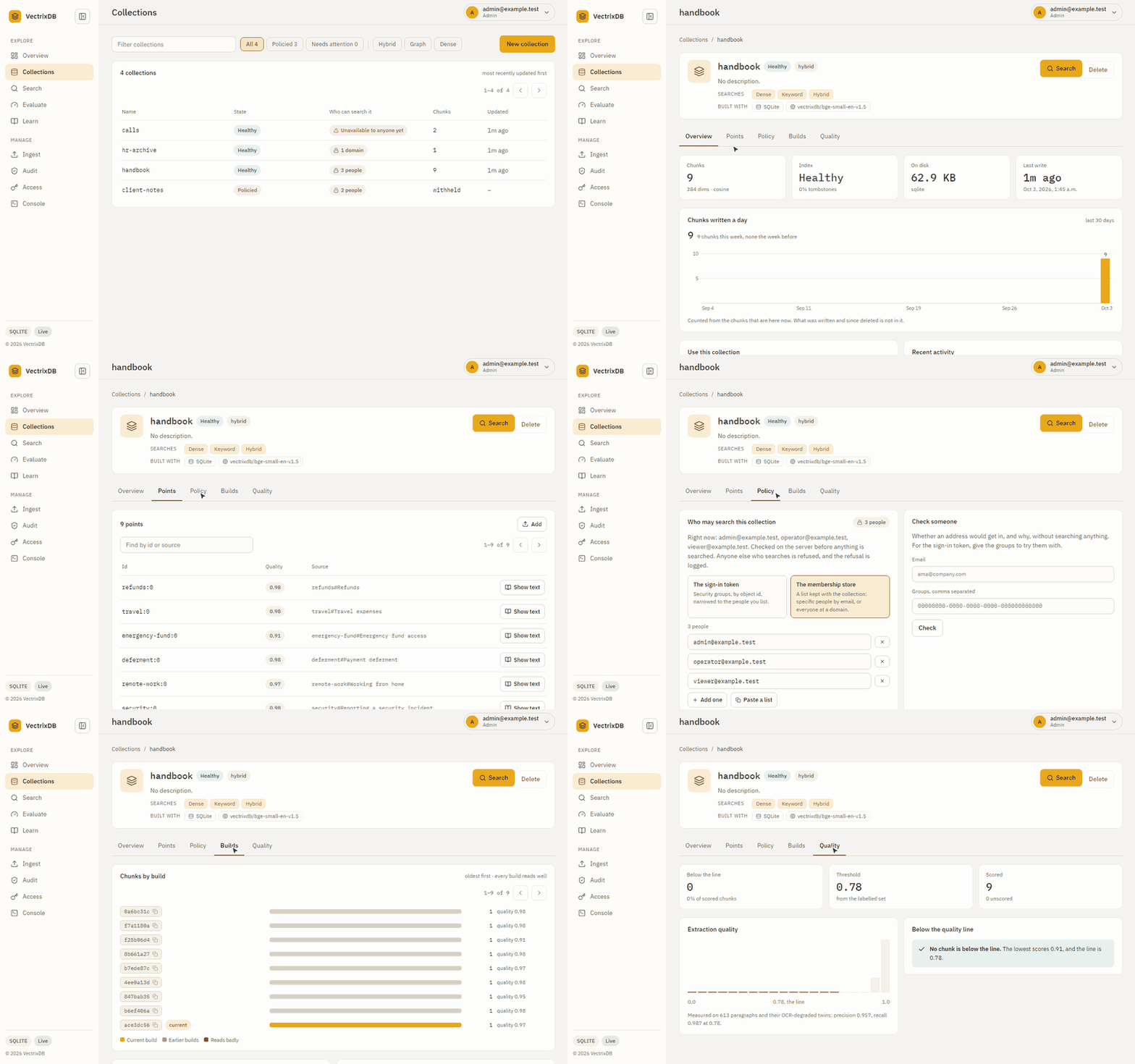
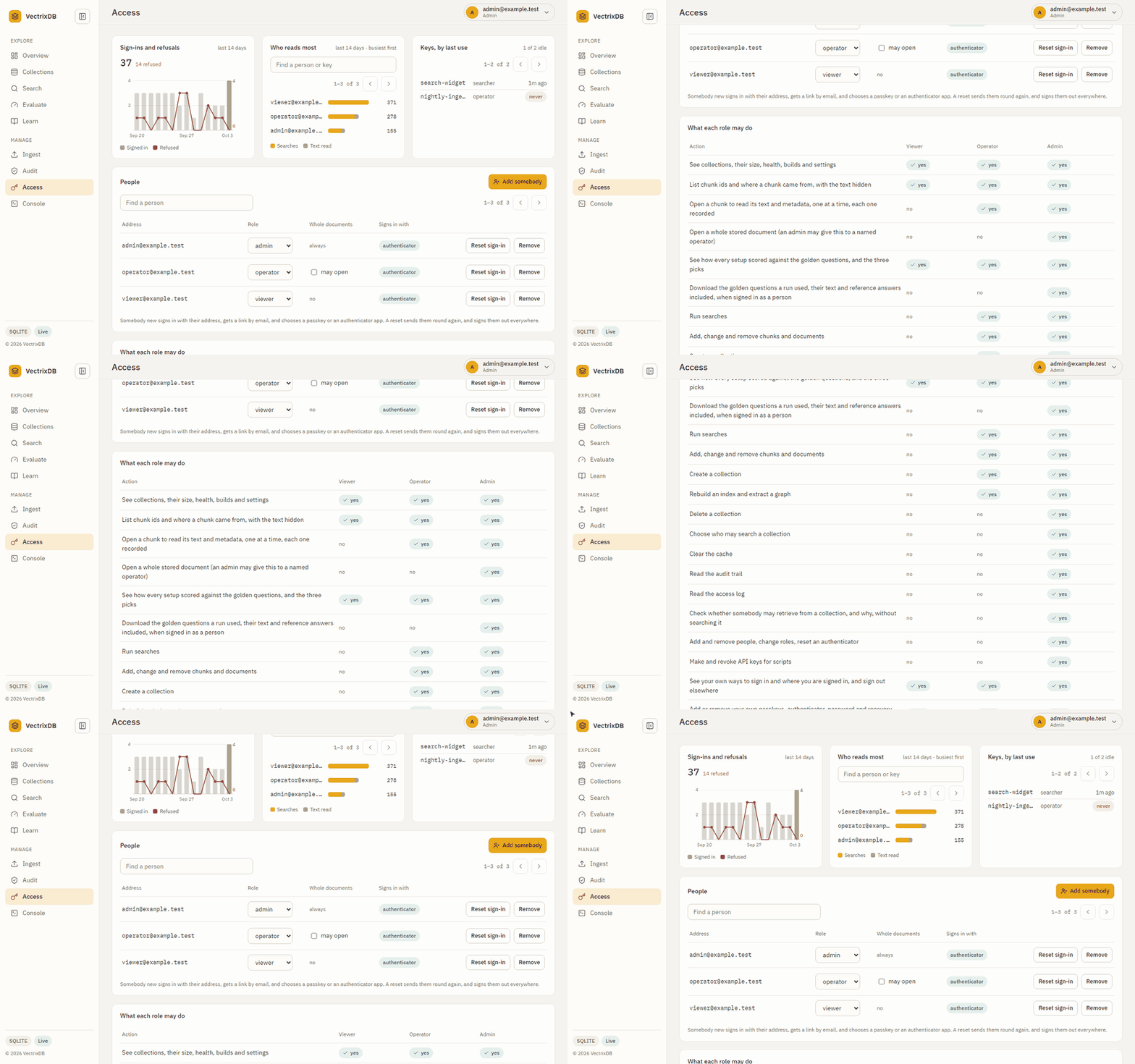
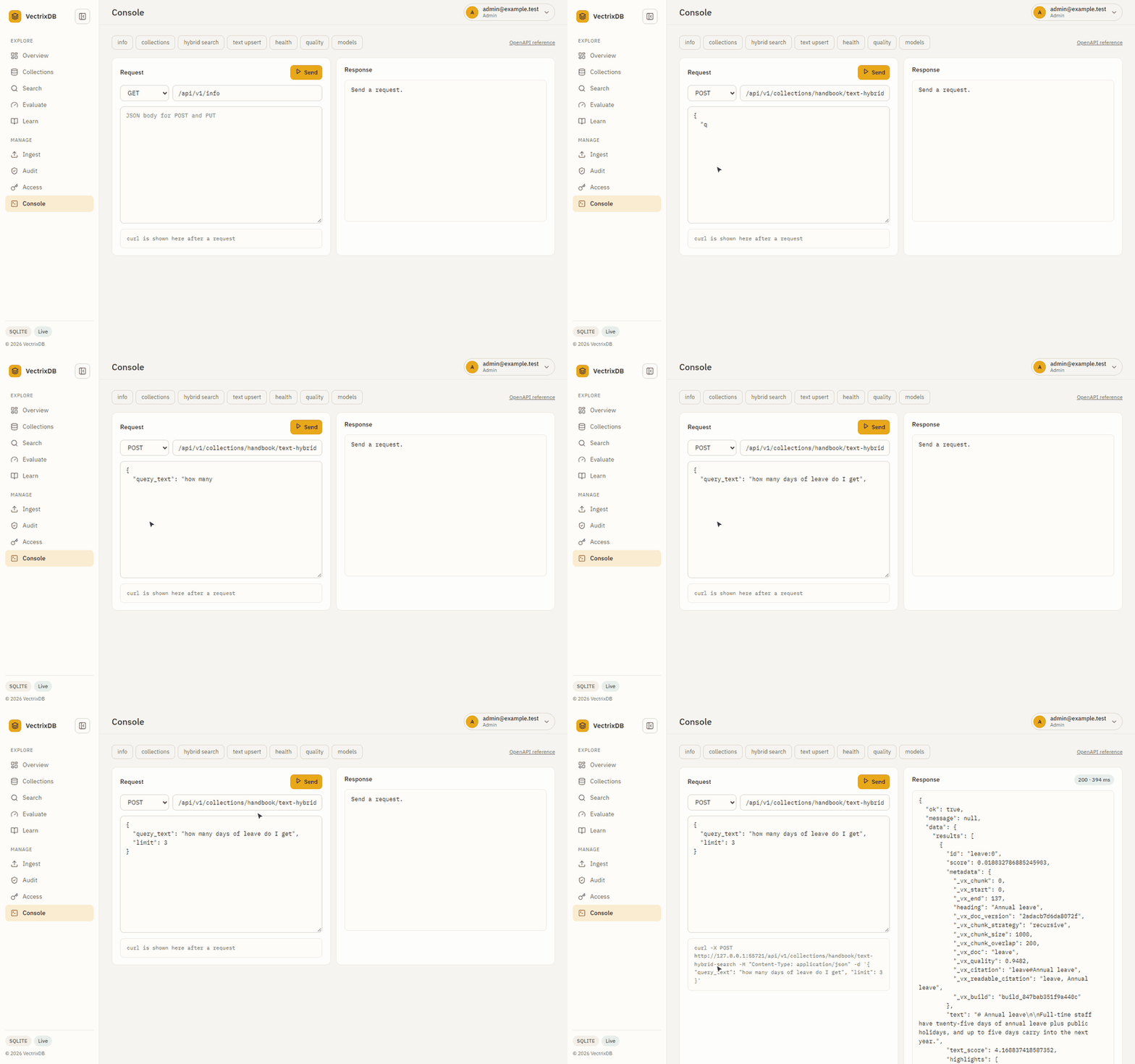
a REST API and a dashboard. These are the real pages, the real commands and
the real containers, filmed by the scripts that keep the pictures current.
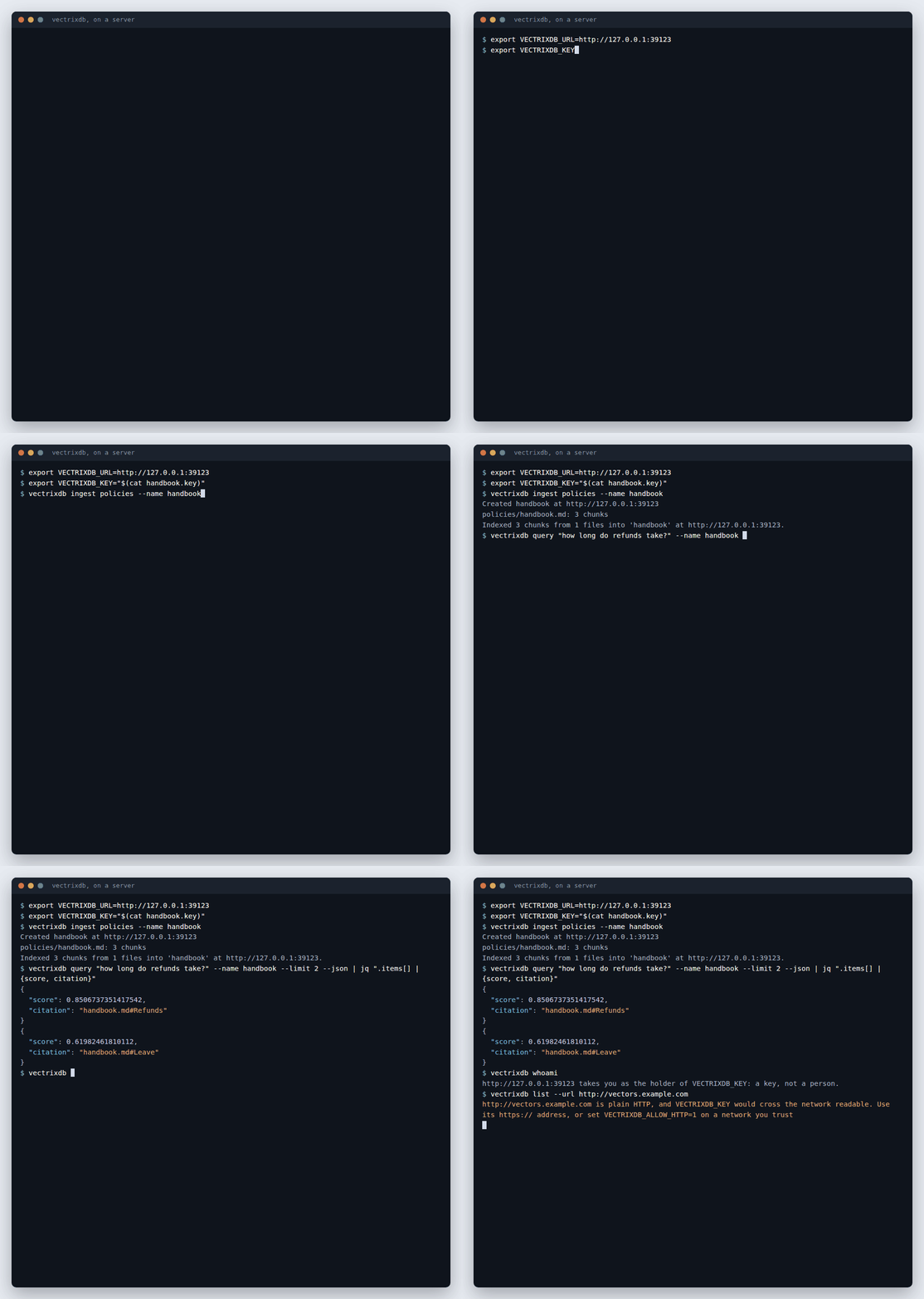
Command line
vectrixdb pointed at a server: a folder ingested, a search with citations, and a key it will not send over plain HTTP.
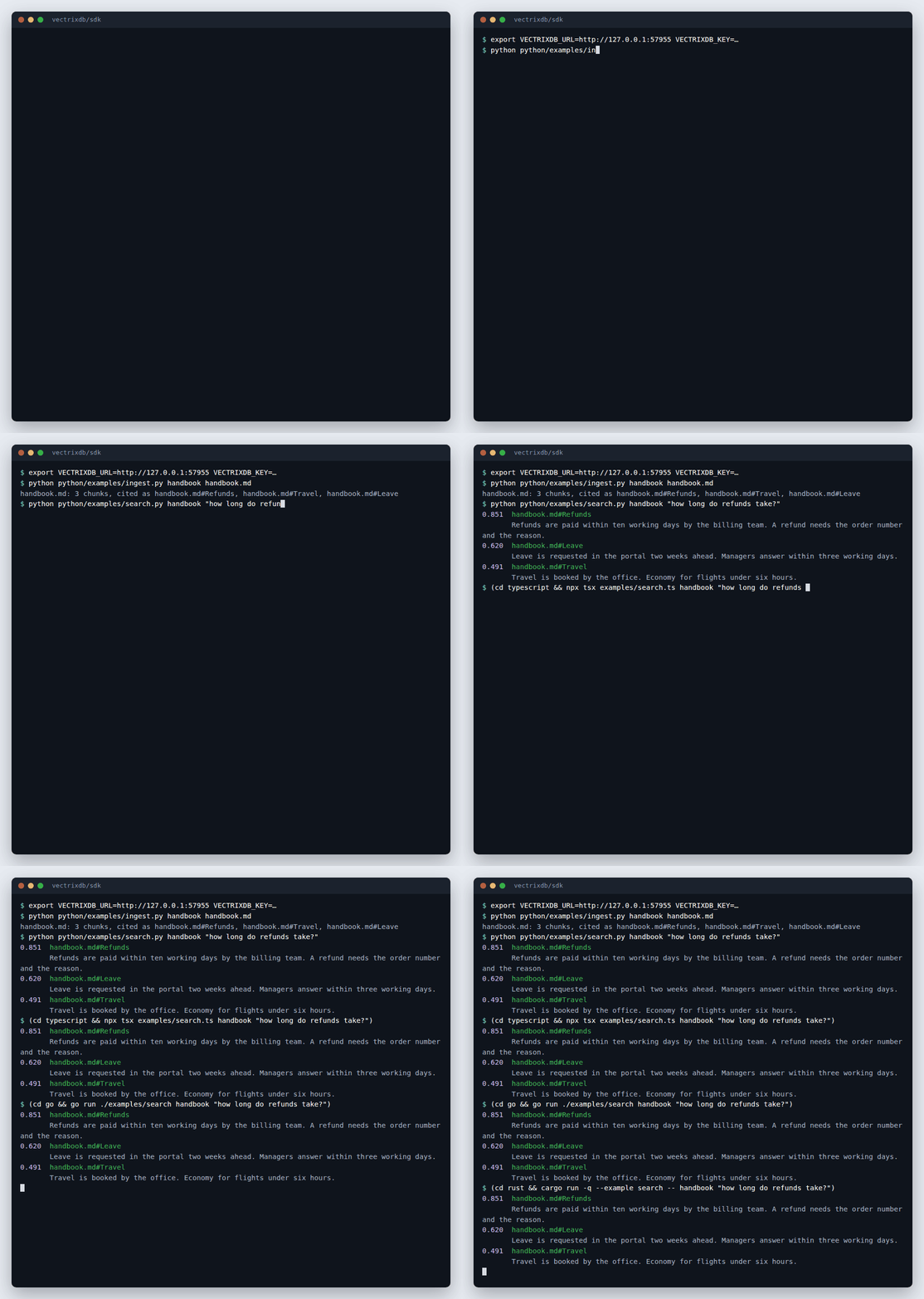
SDKs: Python, TypeScript, Go, Rust
One server, one document, and the same search from four languages, each answering with the same citation.

MCP
An assistant connects, lists the collections and searches them, with real calls and real answers. Every tool: Tools reference.

MCP keys for a team
A key made for one collection cannot tell the others exist, and every refusal comes back in words.
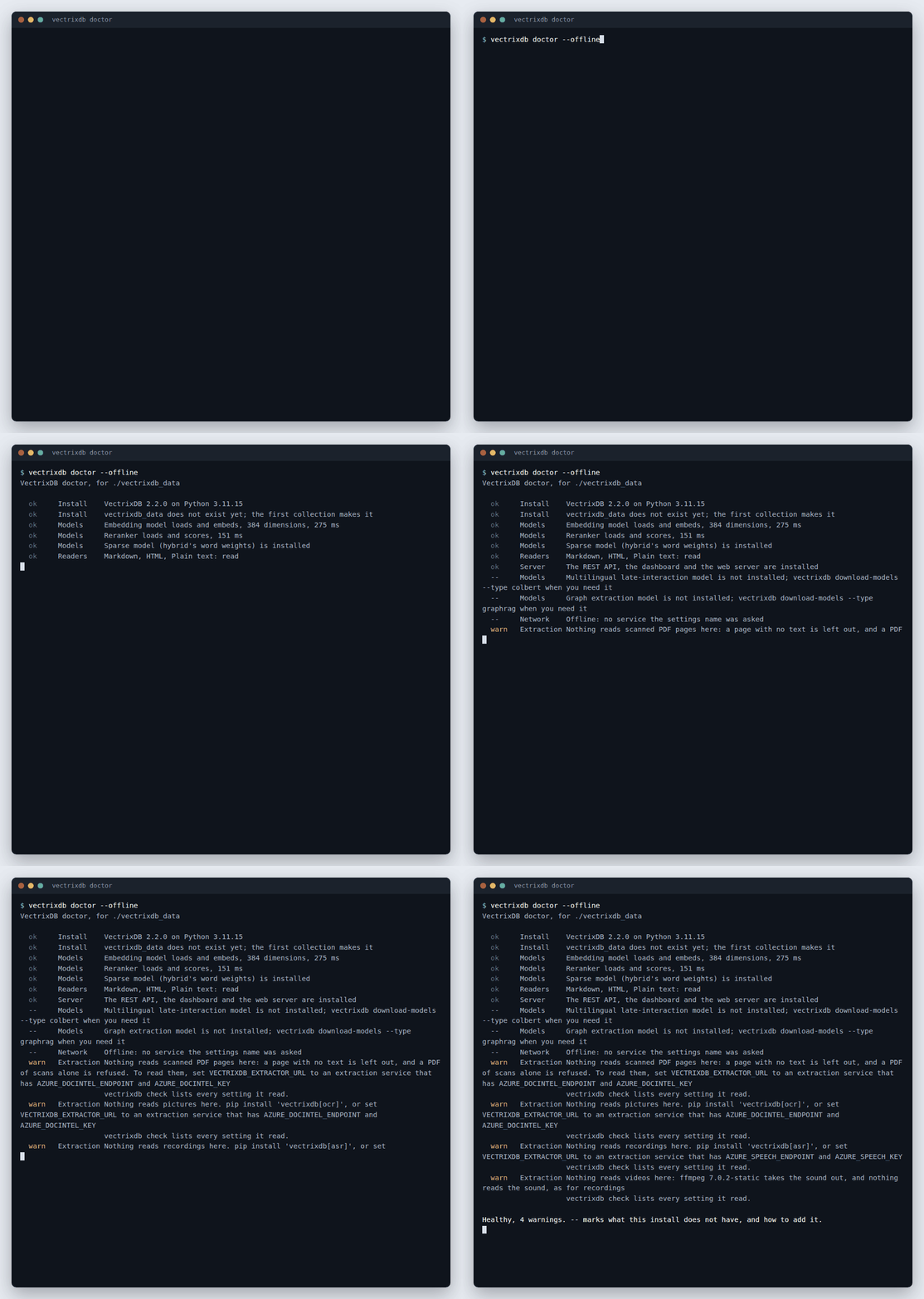
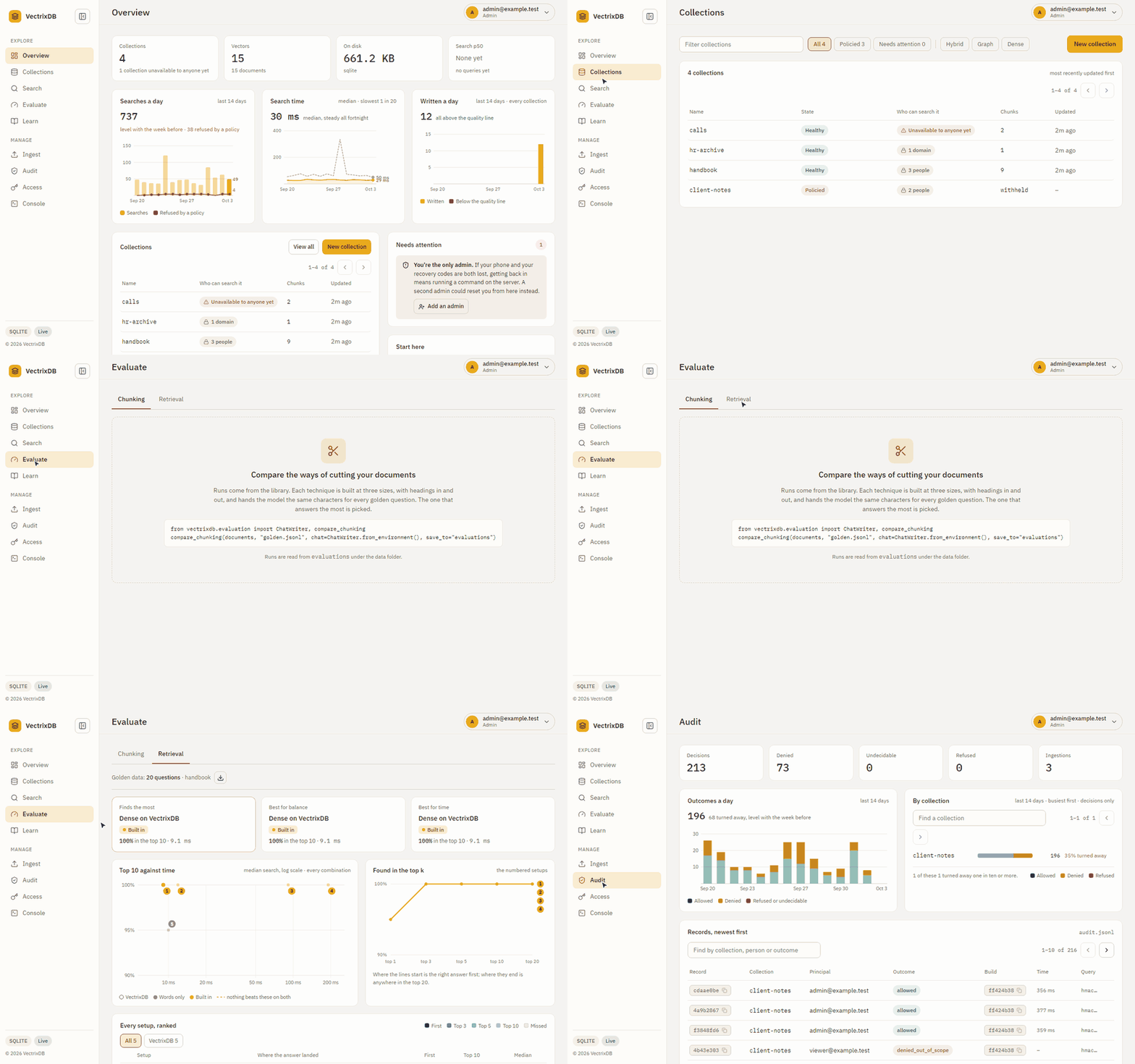
Evaluate
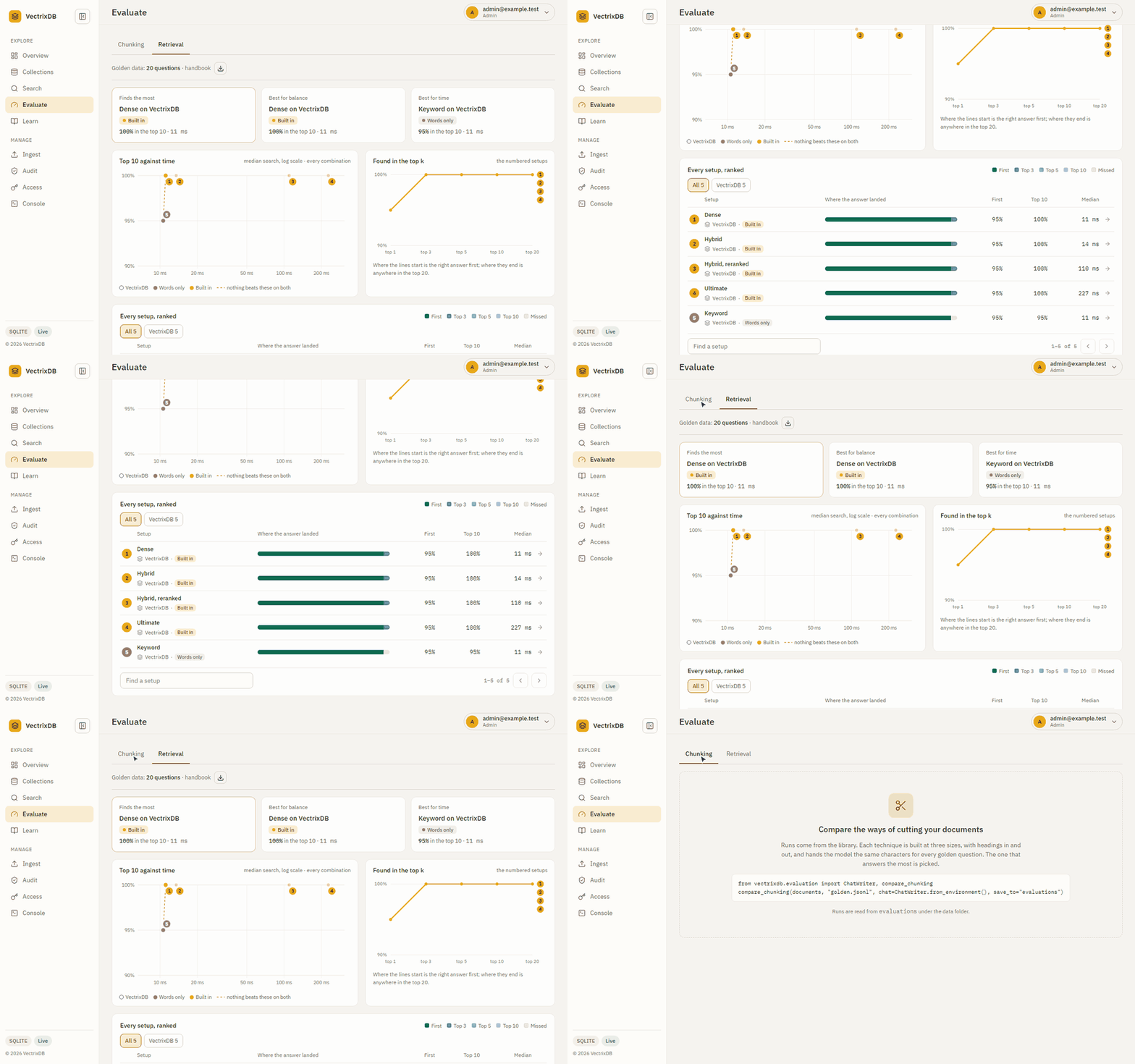
Every setup ranked on your own questions, and three picks: most found, best balance, fastest.
Containers
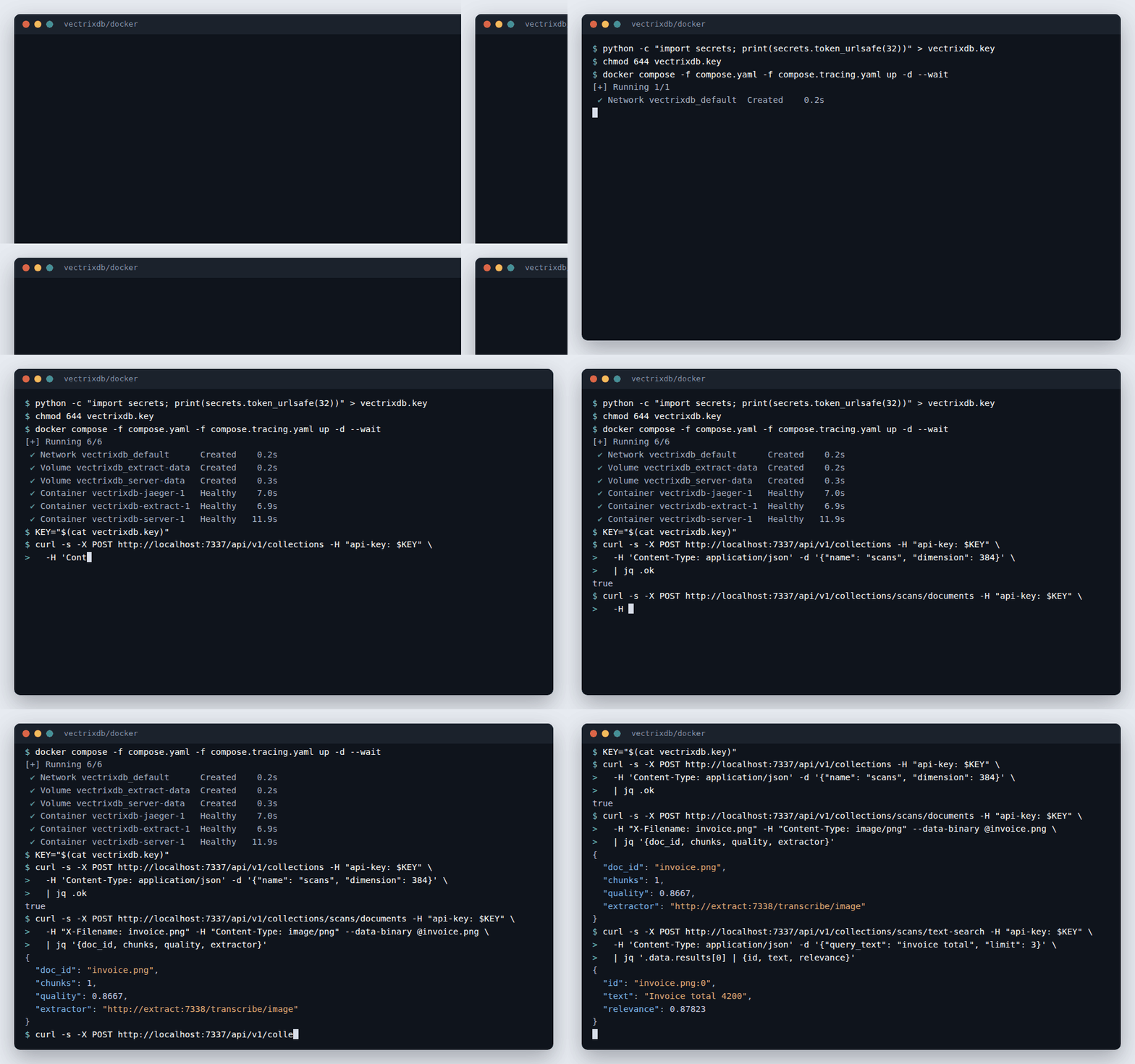
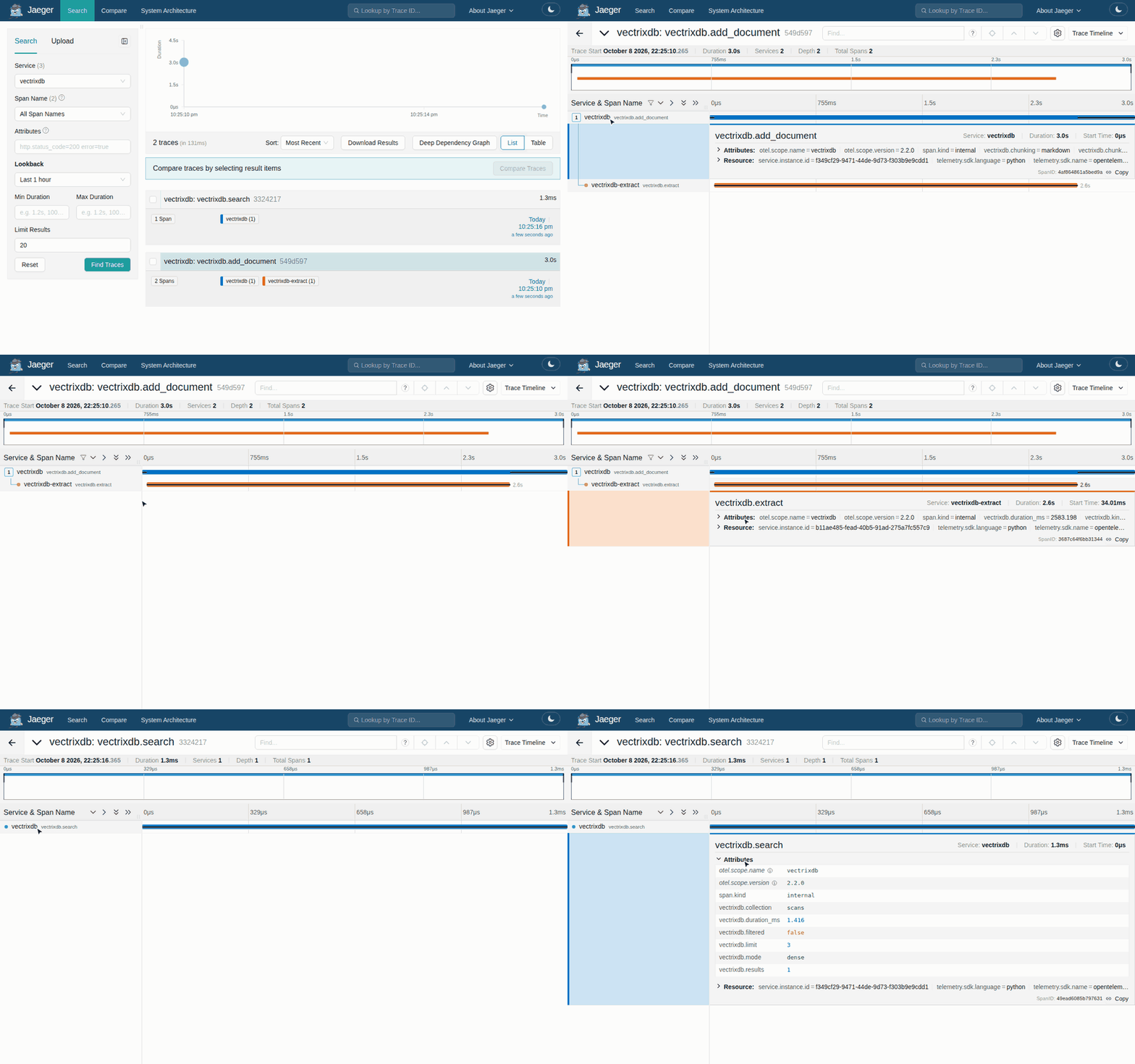
Compose starts the server, the extraction service and Jaeger. A scan goes in and a search finds it.
Where to go next
-
Learn the library by building something small, end to end.
-
Recipes for specific jobs: error handling, storage backends, the REST API.
-
Signatures and behaviour, generated from the source.
-
Why the search modes differ, and where the pure-Python index runs out.
-
Turns, pinned facts and a context block sized to a token budget.
-
The
vectrixdbcommand on a server: sign in with a company account, ingest, search. -
Python, TypeScript, Go and Rust clients, one contract, the same safety rules.
-
Give an assistant a collection to search and remember into.
-
Ship your own client or command
A company's own
acme vectorscommand or SDK, built on these. -
Inside your company's registry
JFrog Artifactory or Nexus: packages, images and models, and only your wrapper allowed in.
-
The server, the extraction service and tracing, from one compose file.
-
Every page of the server's dashboard, with pictures, and who sees which.
-
One settings file, checked before a start, read by every command.
-
Golden questions written from your own documents, and checked against them.
-
Every role, keys scoped to collections and expiring, and who may do what.
-
Model calls in line,
/ready, threads and memory, so a busy server stays up. -
The strategies, parent sections and late chunking, and how to pick.
-
Every limit in one place, with what to do about each.
What is in the box
| Search modes | Dense, Hybrid, Ultimate, Graph (GraphRAG) |
| Storage | Memory, SQLite, Lakebase, Delta Lake, Cosmos DB, Azure AI Search, OpenSearch, Aurora PostgreSQL |
| Models | Bundled ONNX, or bring your own from HuggingFace |
| Readers | PDF, Word, Excel, Markdown, scans by sight, speech, video |
| Memory | Conversation turns, pinned facts, recency and feedback weighting |
| Clients | Python, TypeScript, Go and Rust, and the vectrixdb command |
| Assistants | MCP server for Claude, VS Code and other MCP clients |
| Extras | Document index with chunking, dashboard, REST API |
Install what you need
The core install is deliberately small: vector search, and nothing else.
pip install vectrixdb              # core
pip install vectrixdb[api]         # + REST API and dashboard
pip install vectrixdb[signin]      # + people signing in: single sign-on, passkeys, codes
pip install vectrixdb[mcp]         # + MCP server for assistants
pip install vectrixdb[documents]   # + PDF, Word and Excel readers
pip install vectrixdb[extract]     # + every local reader: documents, OCR, speech, video
pip install vectrixdb[aws]         # + OpenSearch and Aurora
pip install vectrixdb[azure]       # + Azure AI Search and Cosmos DB
pip install vectrixdb[databricks]  # + Lakebase and Delta Lake
pip install vectrixdb[nlp]         # + spaCy for GraphRAG entity extraction
pip install vectrixdb[all]         # every backend, model and server extra; not extract or nlp
The clients for a server somewhere else are small, and need nothing else: